Skip to content

Technical SEO guides

I wrote these technical SEO guides, and the rest of the site, so you can do much of what I check in an audit yourself. They work even with your own AI agent and free tools, and each one comes from a live site. If you then want someone to verify it, write to me; if not, start with something that takes two minutes.

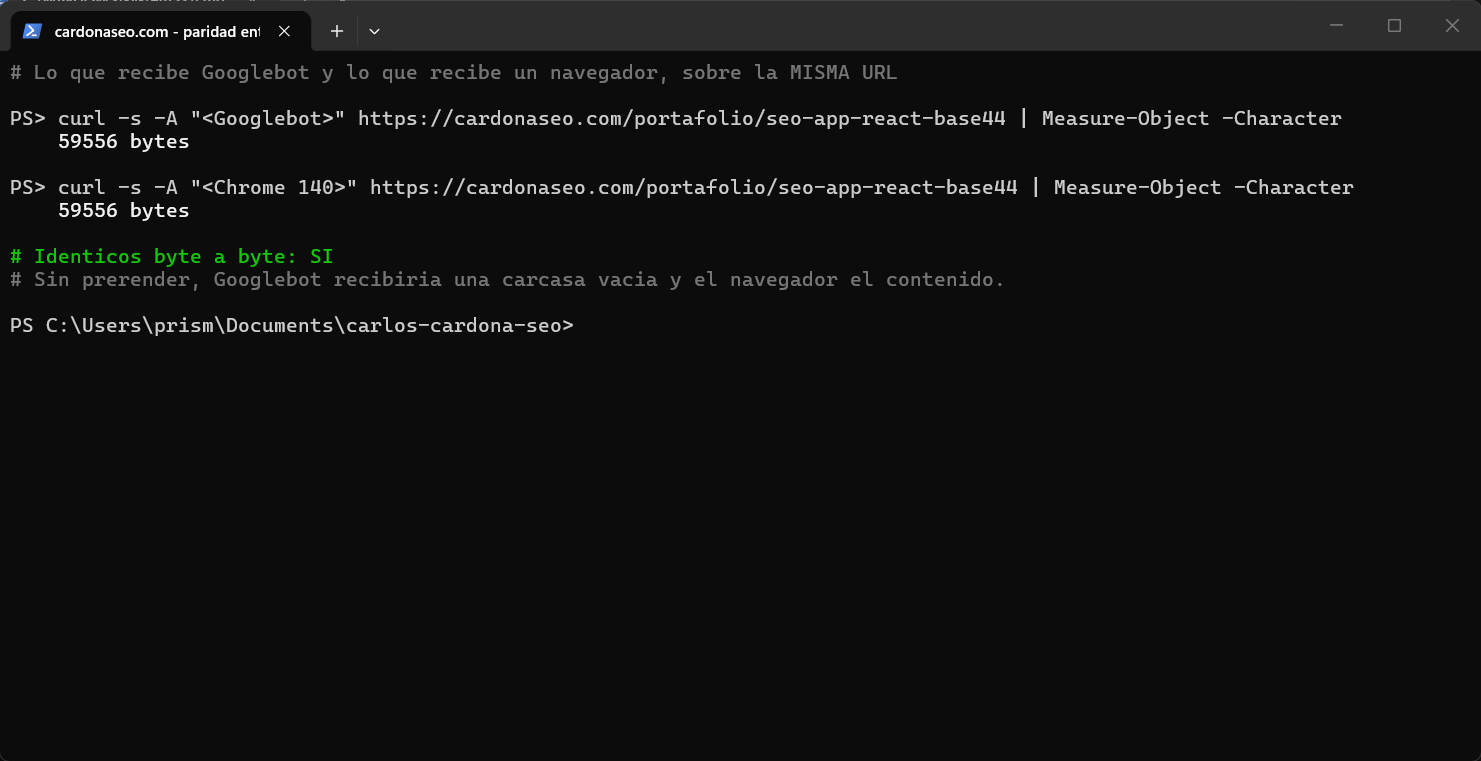
Two curl requests in a row to the same URL, one with the Googlebot user agent and one with Chrome's, each returning 59,556 bytes and flagged as byte-for-byte identical
My own screenshot, from this piece

reviewed on · 12 min

Single page application SEO: how Google reads your app and how to fix it

Why Google can receive your React, Vue or AI-built app as an empty page, and the five symptoms to check with one command each. Then how to fix it without leaving your platform. For anyone who built with Base44, Lovable, v0 or similar and can't tell whether Google is receiving the page at all.

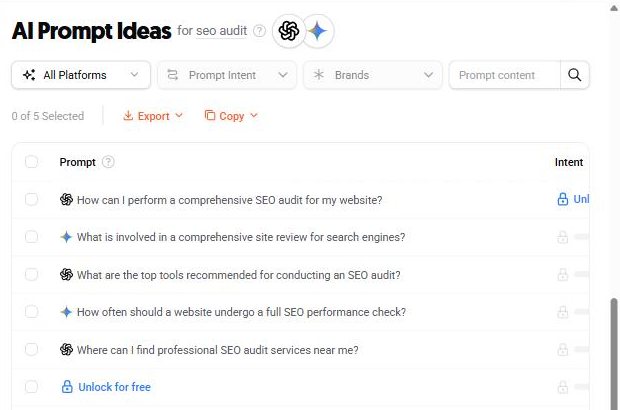
Ubersuggest AI Prompt Ideas for “seo audit” in the United States, listing five prompts such as “How can I perform a comprehensive SEO audit for my website?”
My own screenshot, from this piece

reviewed on · 15 min

How to rank in AI Overviews and get cited by ChatGPT

What Google has said in writing about AI Overviews, and which of the three layers you're failing. Then what AEO sells that nobody can measure, and how to track the part that's trackable. For anyone being sold AI visibility without a single measurement attached.

A laptop with a blurred analytics dashboard
Illustrative dashboard · Photo: Lukas Blazek · Unsplash

reviewed on · 20 min

What is Google Search Console, and how to read it without fooling yourself

What Search Console is and what to do with it, depending on what you do: websites, social content or a business. With four prompts, and how to read it with AI without handing over more access than you need to.

A laptop showing area charts
Illustrative dashboard · Photo: Carlos Muza · Unsplash

reviewed on · 14 min

Google Analytics 4 setup: what to configure before your site goes live

What GA4 measures, what to configure before a service site goes live, and why a click isn't a contact. With the mistakes I made on two properties and how I caught them.

A hand pushes a pin into a city map
Photo: GeoJango Maps · Unsplash

reviewed on · 10 min

How to set up a Google Business Profile (and get on Google Maps)

How to set up a free Google Business Profile so your business shows up on Google Maps, from your computer or your phone. With verification, reviews done by the rules, and why your website has to match.

Where to go next

The four guides above are the whole set in English. What I find while auditing live sites ends up in the blog instead, with the same rule. Every technical claim links its primary source, and what I couldn't measure is written down as such.

  • Why a page doesn't appear in Google — the seven causes, in the order that saves the most time. It includes the difference between “Discovered” and “Crawled - currently not indexed”.
  • What llms.txt is, and which AI crawlers actually asked for mine in the domain's first 16 days of server logs.
  • Core Web Vitals — and the measurement of mine that turned out to be worthless, and why.

These are free and they stay free. If after reading one you want the same thing done on your site, the free diagnostic is the next step. It's read-only, in writing, with its pending items.
Isn't your case here?

Tell me what's happening with your site. I'll answer myself, in writing, within two business days. If your question helps other people too, it may become the next guide.